Plan your trip
Dominican Republic eTicket and QR code: how to fill it in
The Dominican Republic eTicket is free, filed only at eticket.migracion.gob.do, and can be completed as soon as you have your flight details — even months ahead. Save the arrival and departure QR codes before check-in.

- Updated
- Dan Guzmán
- 8 min read
- Plan your trip
If your flight is approaching, the practical priorities are simple: use the official government portal, copy the application code as soon as it appears, enter the itinerary exactly as booked, and save the completed QR confirmation somewhere you can reach without airport Wi-Fi. The form is free. A website asking for payment is not the government eTicket portal.
This guide covers the form itself. For what happens after landing, see our overview of Dominican Republic airports and our field guide to immigration and customs at Punta Cana Airport. Also check your passport: the US State Department says it must be valid for 6 months from arrival — see do you need a passport for the Dominican Republic.
Who must complete the Dominican Republic eTicket
Foreign visitors and Dominican passengers travelling into or out of the country on commercial flights must complete the electronic entry and exit form. That includes adults and children, although the family and customs sections are handled differently.
The official tourism guidance lists exceptions for passengers arriving on private flights, non-commercial vessels, ferries and cruise ships. Those travellers follow the documentation process applicable to that mode of arrival. If your journey combines a cruise with a commercial flight, the flight sector still needs to be considered separately.
Complete the form only through eticket.migracion.gob.do. Search results can contain commercial assistance sites that resemble an official service and charge a fee. You do not need an intermediary to file the government form.
Before starting, have each traveller's passport, the commercial flight details and the full accommodation address ready. A hotel name alone may not answer every address field. Guests using a holiday rental should ask the host for the province, municipality and sector as well as the street address. If a small home city is absent from the form, official guidance permits selecting the nearest large city in the same state or province.
One eTicket for a family, or one per traveller
A family travelling together can be entered by one user on one form. The person completing it may add up to six relatives travelling on the same trip, making seven people on that family form. The system generates one QR code for the family. A larger family needs an additional form for the remaining travellers.
This family option is not a reason to combine unrelated passengers. Friends, colleagues or separate households should complete their own forms unless the portal's current instructions expressly place them in the same eligible group. The person responsible for a family form should check every passport spelling and date before submitting because one mistake can affect the shared confirmation.
Children are included as travellers, but official guidance says they do not complete the customs section; adults do. That distinction matters when the form moves from migration details to the declaration. Do not guess on behalf of another adult. Ask that traveller for the information needed to answer accurately.
When to fill it in and what "too early" means
You no longer have to wait until the final 72 hours. The Dominican Republic's official travel guidance says the eTicket may be completed once you have the flight information, even months before travel. It must be ready before you reach the airline counter because the airline may request it during check-in.
In practical terms, "too early" means before the details you must declare are settled. If you have not chosen the flight, do not know the accommodation address, or expect the travelling party to change, filing immediately creates avoidable corrections. Once the booking is firm, there is no benefit in leaving the form until airport day.
Check the details again if the airline changes a flight number, the arrival date moves, your accommodation changes, or a family member joins or leaves the trip. The application code issued when you begin allows you to consult and amend the form. Save that code separately from the QR image.
Do not confuse the eTicket with airline check-in. Completing one does not complete the other. Your carrier controls boarding documents and baggage acceptance; Dominican authorities control the entry and exit declaration.
How to complete the entry and customs sections
Start a new application and copy the application code before moving on. Enter passport details exactly as shown on the identity page, including the full name, nationality, passport number and date information. Autocorrect and browser translation can alter names or menu choices, so review the completed page rather than assuming the browser preserved every entry.
Use the operating flight that lands in the Dominican Republic, not an earlier connecting flight. On departure, use the flight that leaves the country. Enter the accommodation where you will actually stay first. Resort names can be similar, and a brand may operate more than one property in the same tourist corridor, so verify the full name against the reservation.
The customs declaration is a legal declaration, not a travel survey. Read each question and answer it according to what the adult passenger is carrying. Questions may concern cash or negotiable instruments, plants, animals, food, merchandise or other declarable goods. We do not advise travellers to choose "no" by default, and transport staff should not complete the declaration for a passenger.
If an answer indicates that something must be declared, follow the instructions provided by the portal and customs officers. A declaration does not automatically mean an item is prohibited. It means the authority needs the information to decide how it is handled.
The departure form is part of the same job
The eTicket covers both entry and exit. Travellers often save the arrival QR and forget that a departure confirmation is also required. Complete both portions and label the images clearly so you do not present the wrong code at check-in.
The arrival and departure details can differ. The outbound airline, flight number and date may not match the inbound itinerary, particularly on an open-jaw trip or a holiday that uses more than one Dominican airport. Read the direction shown on the confirmation rather than relying on the order in which screenshots appear in your phone.
If you complete the exit portion well before the holiday, review it after any itinerary change. Keep the application code until the journey is over. It is the useful recovery key if you need to reopen or correct the record.
Where the QR code appears and how to save it
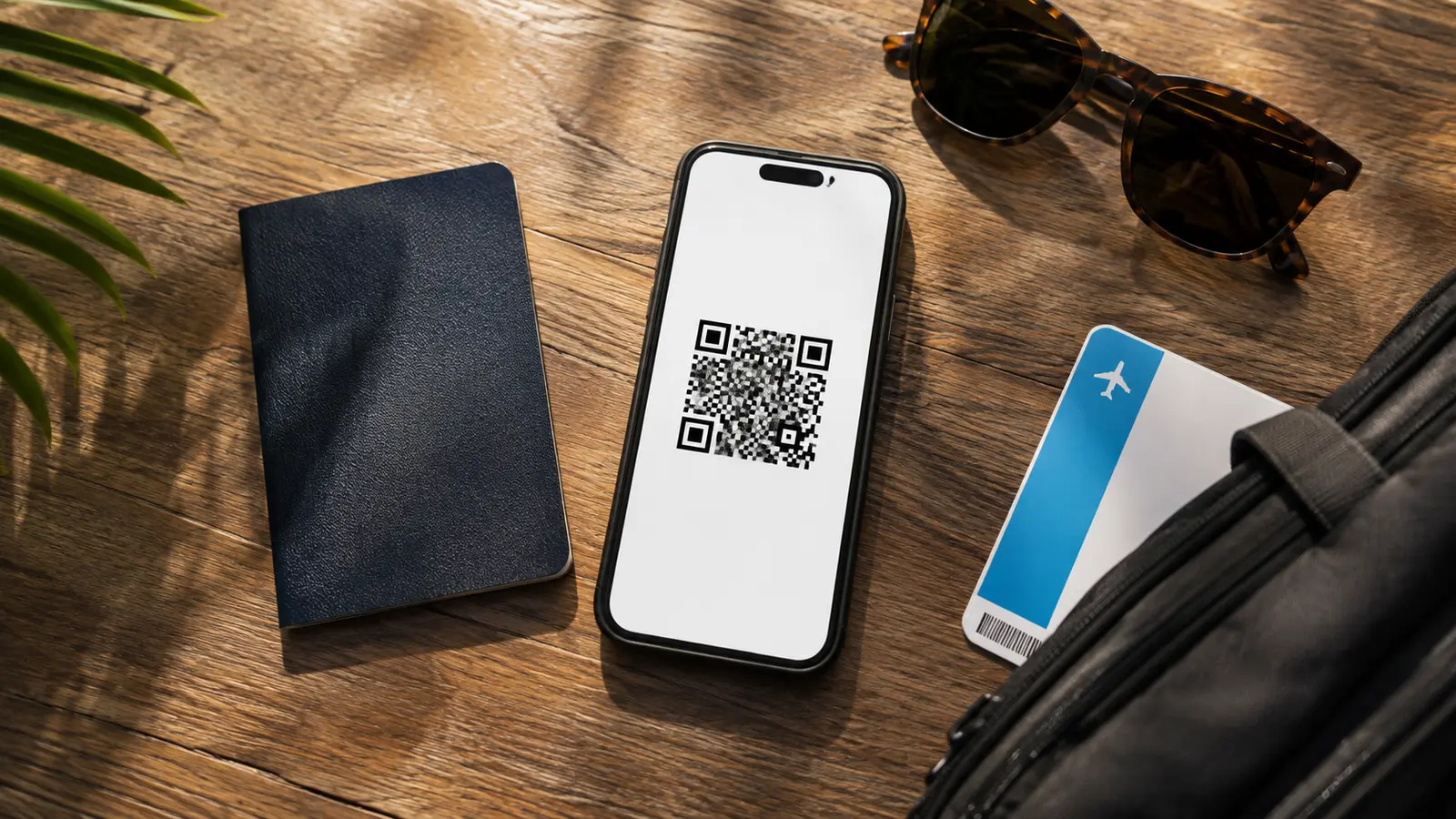
The confirmation QR code is generated when the relevant form is completed. Save it from the completion screen. Official guidance specifically says passengers may print it or take a screenshot; a paper copy is optional, not a separate requirement.
A screenshot is usually the most dependable travel copy because it remains available offline. Put the arrival and departure images in a dedicated album or downloaded travel folder and send a backup to another adult in the party. Keep the application code in a note or itinerary document, not only in the same browser tab.
Do not rely on a confirmation email as your only copy. Email delivery can be delayed, filtered or mistyped, and the official guidance describes the QR confirmation and application code as the recovery tools. If no message arrives but the completion screen displays the code, save it there. If you have lost the image, return to the official portal and consult the application using the code issued at the start.
If you no longer have either the QR image or the application code, use the official portal to complete a valid form again with the correct itinerary. Do not pay an unofficial site to "recover" it.
What airline and airport staff may check
The airline may ask to see the completed eTicket before accepting you for the flight. At the Dominican airport, migration or customs staff may request the confirmation and compare the declared details with your passport and journey. Have the code open before reaching the counter rather than searching through messages while others wait.
A QR code does not override passport validity, visa rules, airline documentation or customs decisions. Entry requirements depend on nationality and circumstances, so use the Dominican authorities and your airline for those separate questions.
Airport Wi-Fi and mobile data are useful but should not be part of the plan. A charged phone with an offline screenshot is enough for the electronic copy; a printout is a sensible second copy for anyone concerned about battery life or device failure.
If the portal fails or your details change
First confirm that you are on the government domain and that every required field is complete. Turn off automatic page translation if menus or validation messages behave unexpectedly. Try a current browser, remove an incomplete autofill entry, and keep names in the form shown by the passport.
If the page stops after you have received an application code, do not immediately start several duplicate records. Reopen the application with that code and check whether the information was saved. If the code is rejected or the service remains unavailable, take a screenshot of the error and follow the contact or help instructions shown on the official portal. Airline staff can explain their document check, but they do not operate the government website.
Once both confirmations are saved, the administrative part is finished. You can then arrange the physical arrival: identify the terminal, keep the resort name accessible and confirm who will meet you. Our airport transfer guide explains the transport side without mixing it into the government process.